
Wi-Fi 6E vs. Wi-Fi 7 for Offices: Is It Time for a Network Upgrade?
Wi-Fi 7's headline speeds rarely match office reality. Here's how executive teams can judge density, VoIP, and wiring before approving an access point upgrade.
Read
Lightning and summer storms put on-premise servers at risk. See how business cloud migration in Florida and private cloud backup keep your office running.
Every South Florida office has the same quiet worry from June through November. The afternoon storm rolls in, the lights flicker, and someone asks whether the server is okay. If your answer depends on a single machine in a closet, that worry is justified.
A server-to-cloud move is one of the most practical ways to take that risk off the table. Here's what changes, what it protects, and how a local office can make the move without a lot of drama.
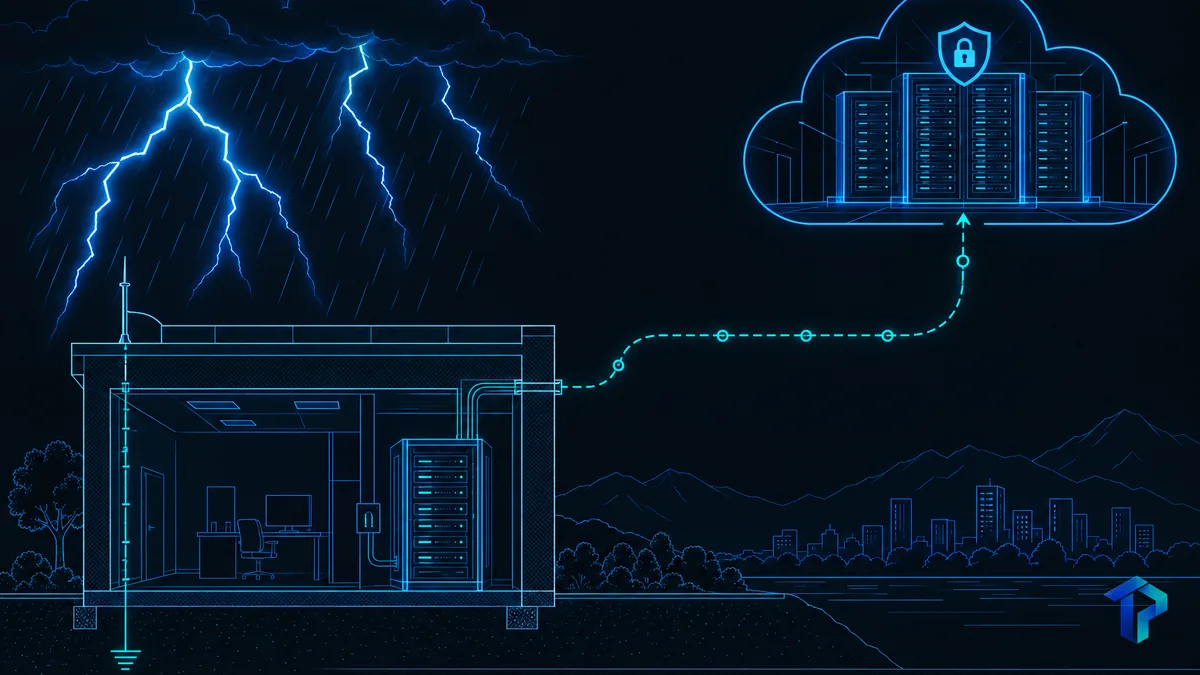
South Florida summers bring lightning, power surges, brownouts and street flooding. An on-premise server concentrates all of that risk in one physical box. If a surge fries the power supply or water reaches the floor, everything your office runs goes down together: email, files, line-of-business software, phones that depend on the network.
The forecasts are worth a look, but not a panic. NOAA's May 2026 outlook gave a 55% chance of a below-normal Atlantic season, and its August update raised that to 75%. Even so, NOAA Administrator Neil Jacobs cautioned that "it only takes one."
The season so far backs up the calmer outlook. As of mid-October 2026, nine named storms had formed and only one reached Florida, and it made landfall in the Panhandle, not South Florida.
A season forecast says little about the thunderstorm that hits your building on a random Tuesday.
That's the point. Your real exposure is a failed piece of hardware or a multi-day outage, the kind many Palm Beach and Broward offices saw after Hurricane Irma. Offices near the Intracoastal Waterway and other low-lying coastal areas also face water damage to on-site server rooms.
FEMA says 40 percent of small businesses never reopen after a disaster, and another 25 percent of those that do reopen fail within a year. Those numbers cover disasters broadly, but they show how fragile a small operation can be when it can't get back to work.
On hourly cost, ITIC's 2024 Hourly Cost of Downtime Survey found that 90% of mid-sized and large enterprises lose more than $300,000 per hour. A 10-person office will land far below that, but the principle holds: every hour offline is an hour of lost work.
Older data points the same direction. IDC research for Carbonite in 2015 put small-business downtime at $137 to $427 per minute. That's a decade old, so read it as a floor rather than a current number.
Think about what that looks like in a law, accounting or medical office:
With an on-premise server, your data and applications live in your office. With a private cloud, they move to a hardened, redundant data center with managed power, cooling and failover. If one component fails, another takes over. Your closet matters much less, though the switches, firewall and router still there remain local points of failure for reaching the cloud.
A public cloud shares infrastructure across many customers. A private cloud uses dedicated resources configured for your business. For offices with legacy software, compliance needs or a preference for tighter control, that dedicated setup is often the better fit.
The day-to-day change is simple. If your office loses power or internet, staff can log in from home or any other location and keep working. That matters in Boca Raton, Delray Beach and Boynton Beach, where medical, legal and real estate offices need to stay reachable even when the building is closed.
One honest caveat: the cloud still needs an internet connection at whatever location people work from. After storms, ISP disruptions are common, so pair the move with redundant internet, such as a cellular failover router. Our post on cloud failover strategies goes deeper. If you're still weighing the decision, see in-house servers vs. cloud hosting.
Cloud backup for business only helps if it's separate from production. Backups that sit on the same hardware or network as your server go down with it, whether the cause is a flood or ransomware. Store copies in a cloud region far from your office so one local event can't destroy both the original and the backup.
CISA's #StopRansomware Guide, developed with the FBI, says to maintain offline, encrypted backups of critical data and test them regularly in a disaster recovery scenario. The reason is that most ransomware actors try to find and delete or encrypt accessible backups.
Two terms are worth knowing:
Set both with your team, then build the plan around them. Then test restores on a schedule. An untested backup is an assumption, not a plan.
Disaster recovery servers and failover plans also work best alongside cybersecurity and monitoring, so someone notices trouble before it becomes an outage. Commercial insurers in South Florida increasingly ask about continuity plans, so a documented, tested recovery setup can matter for coverage too.
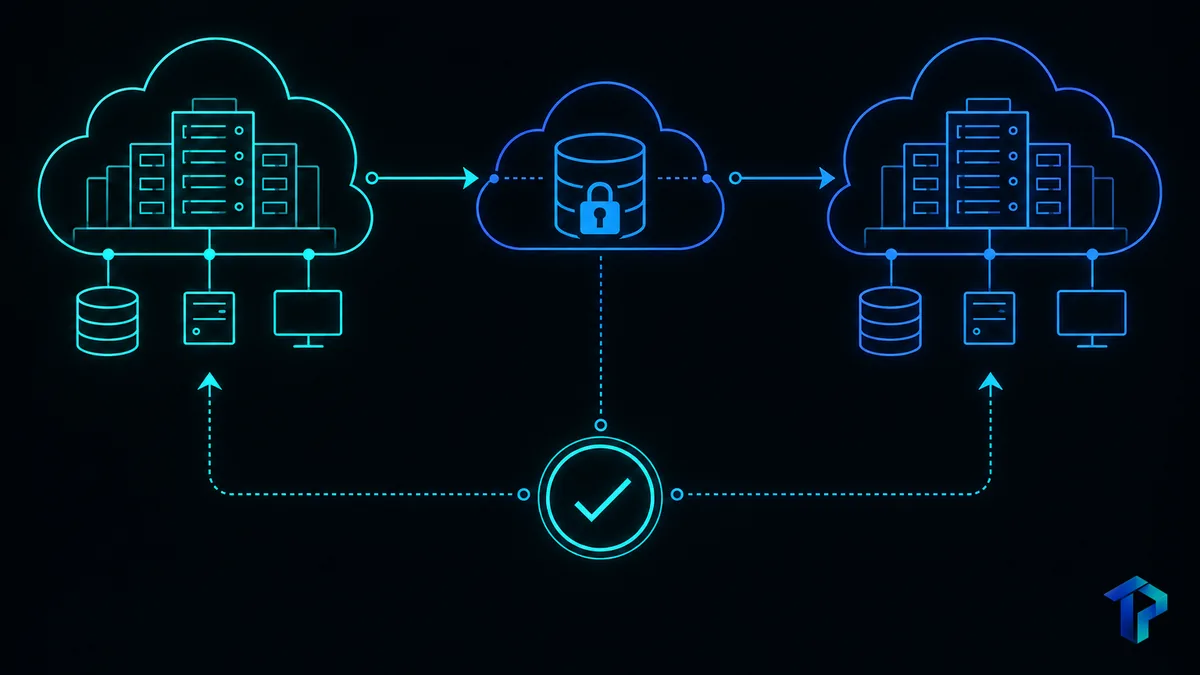
A business cloud migration in Florida doesn't need to be a big-bang event. Here's the sequence we recommend.
Test the plan by having staff work from home for a day, then fix whatever breaks.
Some gear will stay on site, like network switches and firewalls. Protect it with a UPS, surge protection and proper grounding, and plan for a generator if your office needs one.
A local partner handles all of this end to end, and proximity matters. When you search for managed IT services near me, you want a team that can reach your building after a storm, not one that only answers a ticket queue. Our server and infrastructure support covers assessment through migration and ongoing care.
Use a properly rated surge protector and an online UPS, and make sure your building has proper grounding. These reduce risk but cannot eliminate it, since a direct or nearby strike can still damage hardware. Moving workloads to a private cloud removes the single point of failure at your office.
With an on-premise server, data can be corrupted or the hardware damaged when power drops or surges. With cloud-hosted systems and offsite backups, your data stays safe in the data center and staff can reconnect from anywhere with internet access.
For many offices it is, especially those that depend on one aging server and cannot afford days of downtime. The benefits are redundancy, easier remote work and predictable monthly costs. A short assessment can tell you whether your applications are a good fit.
Cost depends on data volume, number of users, applications and the level of backup and support you need. Most providers quote a one-time migration fee plus a monthly hosting fee. An assessment will give you an accurate figure for your office.
Storm season doesn't have to mean crossing your fingers. A clear inventory, a phased move and a tested recovery plan turn a single point of failure into something your team can rely on. If you'd like to know where your office stands, request a server and infrastructure assessment through our server support page or call (561) 922-8416.
Wi-Fi 7's headline speeds rarely match office reality. Here's how executive teams can judge density, VoIP, and wiring before approving an access point upgrade.
An IT SLA turns vague support promises into measurable commitments. Here is how to read response times, ticket priorities, and escalation terms before you sign.
Start with a free IT assessment — a clear, no-pressure look at where things stand and what managed IT could do for you.