
What Is an IT Service Level Agreement? A Guide for Business Owners
An IT SLA turns vague support promises into measurable commitments. Here is how to read response times, ticket priorities, and escalation terms before you sign.
Read
Compare Wi-Fi 6E vs Wi-Fi 7 for office use. Learn what 320 MHz, MLO, and 4096-QAM really deliver, and when a business Wi-Fi 7 upgrade makes sense.
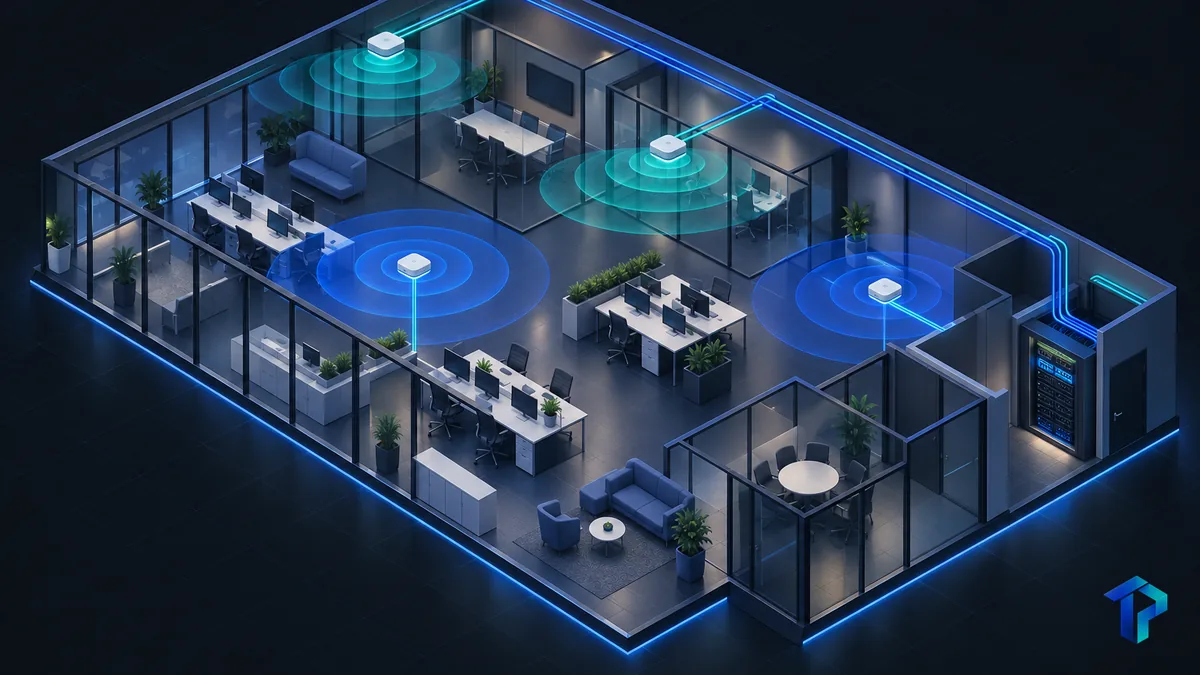
Your office Wi-Fi probably works fine until it doesn't. Then it's a dropped call with a client, a video meeting that freezes, or a conference room where nobody can connect. That's usually when the question comes up: should we buy Wi-Fi 6E or jump to Wi-Fi 7?
The honest answer is that it depends less on the access points than on everything around them. Here's how we'd think it through for a South Florida office.
Wi-Fi 6E opened up new territory. On April 23, 2020, the FCC made 1,200 MHz of 6 GHz spectrum available for unlicensed Wi-Fi use, according to the Wi-Fi Alliance. That range, 5.925–7.125 GHz, allows sixty 20 MHz channels and seven 160 MHz channels, per In Compliance Magazine.
Wi-Fi 7 is a Wi-Fi Alliance certification program based on IEEE 802.11be. It launched in January 2024, according to HPE Aruba Networking's technical documentation. It builds on 6E with three main additions:
For a busy executive, the short version is this: both use 6 GHz. Wi-Fi 7 refines how that spectrum gets used. It isn't a brand-new band, and 6E isn't suddenly obsolete.
You'll see Wi-Fi 7 advertised at 46 Gbps. That figure assumes 4096-QAM, a 320 MHz channel and 16 spatial streams, according to Ezurio. It's a theoretical maximum, not an office result.
Take the pieces one at a time:
In a dense, multi-AP office, expect Wi-Fi 7 gains from efficiency, not from the peak-speed number on the box.
That's not a knock on the technology. It just means the spec sheet and your Tuesday afternoon are two different things.
If Wi-Fi 7 pays off for an office, it's most likely through consistency rather than raw speed. Phone calls and video meetings care about delay and stability far more than download numbers.
That's where Multi-Link Operation comes in. Purple, a vendor, claims MLO with simultaneous transmit and receive across 5 GHz and 6 GHz can cut typical airtime latency from around 15 ms to under 3 ms. Treat that as a vendor claim, not a neutral measurement. We wouldn't promise your VoIP calls will improve by that much, or at all.
There's also a catch. MLO only helps if the device supports it. A Wi-Fi 6E laptop connecting to a Wi-Fi 7 AP falls back to single-link operation and gets none of the MLO benefits.
So before deciding:
Palm Beach County's medical, biotech and professional services firms live on video calls and cloud apps, so dropouts cost them the most. Those are the offices that should measure first. Many call-quality problems turn out to be placement, congestion or settings, not the Wi-Fi generation.
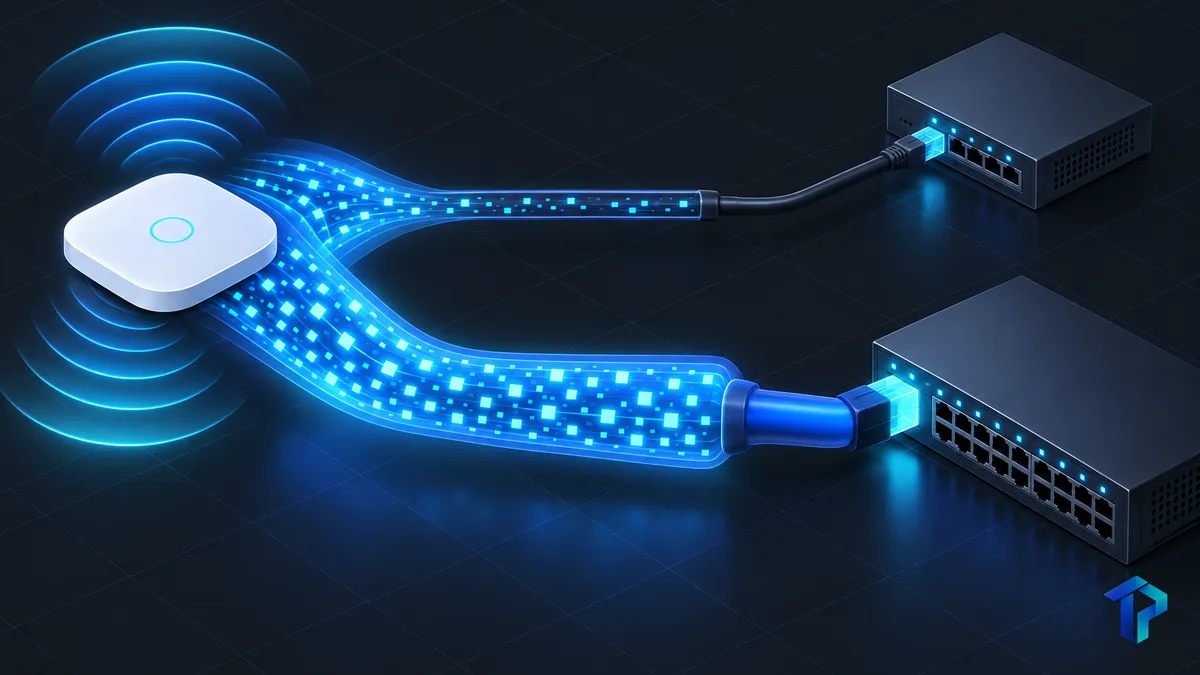
New access points are only one piece of the bill. A 1GbE copper link bottlenecks 320 MHz channels and MLO aggregate streams that can exceed 5.8 Gbps over the air, according to Purple. The guidance there is to plan multi-gig switch uplinks.
In plain English: you can buy a fast access point and then plug it into a slow pipe.
A related point: a wireless refresh on existing Cat5e cabling and 1GbE switches can favor Wi-Fi 6E, because a full infrastructure upgrade may make Wi-Fi 7 hard to justify. That matches what we see: the wiring often decides the project.
Budget the whole stack:
We won't give cost figures here, because they swing too much by building and scope. Stucco, block and concrete construction, common across South Florida, weakens high-frequency signals. That means 6 GHz coverage often needs more access points, which changes the math. A site-specific quote is the only reliable way to know.
Use this as a starting point for deciding when to upgrade your office network.
| Situation | Lean toward |
|---|---|
| Current APs are Wi-Fi 5 or older, and wiring can support it | Wi-Fi 7 |
| Wiring is Cat5e with 1GbE switches | Wi-Fi 6E |
| Client devices are mostly 6E or older | Wi-Fi 6E |
| You're already replacing switches and cabling | Wi-Fi 7 |
| You expect a multi-year refresh cycle | Wi-Fi 7 |
| Latency-sensitive work on newer devices | Wi-Fi 7 |
Signs it's time to act:
In a shared office building with many neighboring networks, the 2.4 and 5 GHz bands can get crowded, which is where 6 GHz access helps. Timing matters too. As hurricane season comes to a close in November, the quieter months ahead and your seasonal occupancy swings are good reasons to plan a refresh deliberately, not in a panic.
Start with a wireless site survey. Find the dense areas, like conference rooms and open workspaces, and upgrade those first. Pilot on one floor or zone, test with the apps your team uses daily, then roll out. Also confirm the vendor provides ongoing firmware updates and supports the security features your policy requires.
If your network is straining as you grow, see whether you've outgrown its network. Our network and Wi-Fi management and professional office IT support are built for this kind of planning.
Often not by itself. Wi-Fi 7's biggest gains depend on Wi-Fi 7 client devices and multi-gig wiring, which many small offices lack. If your APs are aging or your wiring is already being upgraded, it can be sensible. Otherwise Wi-Fi 6E is typically adequate.
For many offices, Wi-Fi 6E is enough today. It already provides 6 GHz spectrum and 160 MHz channels. Waiting makes sense only if your timeline lines up with a planned switch and cabling refresh, and your devices will support Wi-Fi 7.
Possibly, mainly through lower latency from MLO. Your phones and laptops must support Wi-Fi 7 to benefit. Many VoIP problems also come from poor AP placement, congestion or QoS settings, which a survey can reveal.
Not automatically. Density problems are often solved by correct AP placement, channel planning and enough 6 GHz capacity. Measure airtime utilization and client counts first, then decide whether new hardware is justified.
There's no fixed number. It depends on floor plan, wall materials, device count, and call or video usage. A professional wireless site survey gives a reliable count rather than a rule of thumb.
Cost depends on the AP count, whether you need multi-gig PoE switches and new cabling, and the installation scope. We don't quote generic figures. A site assessment produces an accurate estimate.
Upgrading your network isn't about chasing the newest standard. It's about matching the right equipment to your devices, your wiring and the way your team actually works. If you'd like a straight answer for your office, schedule a free IT assessment and we'll walk through it with you, or call (561) 922-8416.
An IT SLA turns vague support promises into measurable commitments. Here is how to read response times, ticket priorities, and escalation terms before you sign.
Surprise repair invoices and repeat outages signal that break-fix has stopped working. Here are five signs it's time to move to proactive device management.
Start with a free IT assessment — a clear, no-pressure look at where things stand and what managed IT could do for you.