
5 Signs Your South Florida Business Has Outgrown Break-Fix IT Support
Surprise repair invoices and repeat outages signal that break-fix has stopped working. Here are five signs it's time to move to proactive device management.
Read
Florida summer storms threaten business networks. Learn surge protection, UPS setup, and redundant internet strategies to keep West Palm Beach operations running.
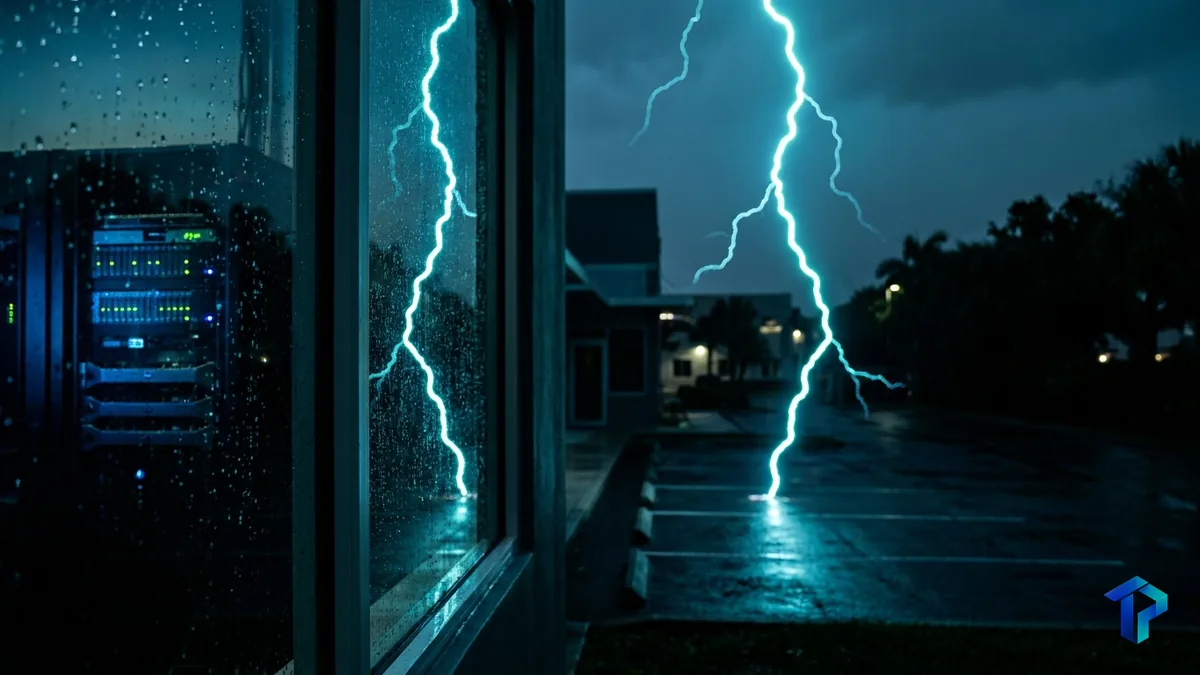
If you've run a business in West Palm Beach for more than a summer or two, you know the pattern: the sky turns dark gray around 3 p.m., the lights flicker, and somewhere in the building a UPS starts beeping. Most owners shrug it off as background noise of living in Florida. But that flicker is doing real damage to your network equipment, one storm at a time — and the businesses that never think about it are usually the ones calling for emergency hardware replacement in September.
Florida has long been known as one of the most lightning-active states in the country, and the data backs that up. In 2019, Florida saw 228 lightning strikes per square mile — more than any other state that year. Nationally, the CDC estimates about 40 million lightning strikes hit the ground across the U.S. every year, and South Florida absorbs a disproportionate share of them each summer storm season.
But lightning isn't the only threat. Summer thunderstorms also strain the electrical grid, and West Palm Beach networks routinely ride out brownouts — brief voltage drops — as demand spikes and utilities work to keep power stable. These brownouts don't announce themselves the way a direct strike does, but they put the same kind of stress on sensitive electronics, one dip at a time, over an entire storm season. For a business running its point-of-sale system, phones, and cloud apps off the same network rack, that's a quiet but real risk.
Most surges don't come through the roof — they come through the wall outlet. Lightning that strikes a power line miles away can travel down the grid and into your building through ordinary electrical service, entering right where the outdoor utility connection meets your building's main circuit breaker or service entrance disconnect. Industry-standard electrical entrance protection guidance has consistently found that the highest-magnitude surge currents and voltages — from both lightning and other sources — originate right there, at that outdoor entry point.
Once a surge gets past your service entrance, it travels through your building's wiring looking for the path of least resistance, which is often your network equipment. Commercial-grade standards govern how surge protective devices are supposed to respond to these events, along with related power disturbances like sags, swells, and temporary overvoltages, on the everyday electrical circuits found in nearly every commercial building.
Firewalls, switches, and Wi-Fi access points are especially exposed here. They run on low-voltage, sensitive internal components that were never designed to absorb a spike — even a small one can shorten their lifespan or take them out entirely. That's part of why network and Wi-Fi management has to include power protection, not just configuration and monitoring.
There's a meaningful difference between the surge protector on the shelf at a hardware store and a true surge protective device (SPD) built to commercial-grade standards. The consumer version might handle a small spike from a nearby appliance kicking on. It's not built for the kind of event a nearby lightning strike sends through commercial wiring.
Real protection is layered, not single-point. That means a whole-building SPD installed at the electrical service entrance described above, to catch the largest surges before they ever reach your interior wiring, plus point-of-use protection on the racks that hold your servers, switches, and firewalls, catching whatever gets through or originates inside the building.
A power strip stops a nuisance spike. It won't stop a surge that just traveled down a power line from a lightning strike a mile away.
One point worth being direct about: a UPS is not a substitute for a surge protective device. Under formal industry guidance, uninterruptible power supplies aren't classified as SPDs at all — they serve a different purpose. NEMA's Surge Protection Institute and the commercial SPD standards both treat these as distinct, complementary functions. A UPS keeps equipment running when power drops. An SPD keeps a surge from damaging that equipment in the first place. Skipping either one leaves a real gap.
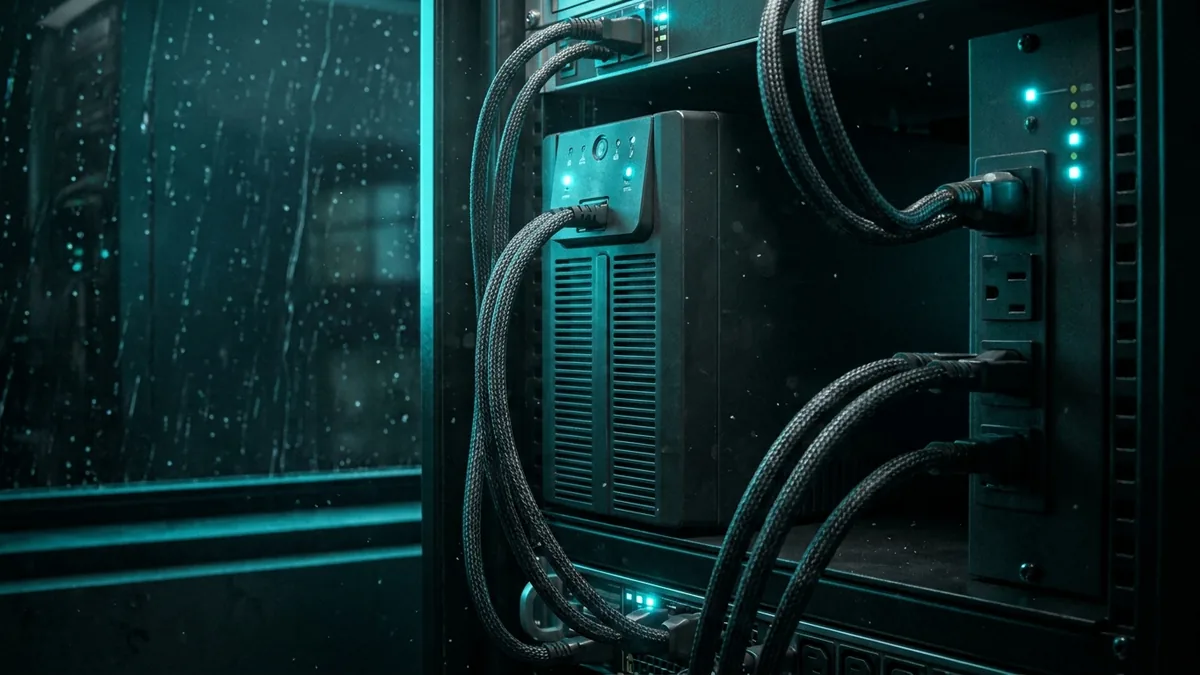
A commercial UPS battery backup is what buys you time. Sized correctly for your network rack's load, it should give you enough runtime to either ride out a brief brownout or shut equipment down gracefully instead of losing power mid-write and corrupting data. Sizing depends on what's actually plugged in — a rack running a firewall, a couple of switches, and a small server needs a different UPS than one also carrying a full virtualized environment, which is where server infrastructure support usually comes into the sizing conversation.
A few practices matter more than the UPS model number itself:
The other half of resilience is redundant internet. A second ISP connection, or a cellular failover device, keeps Wi-Fi and cloud applications reachable if your primary line drops — which happens often enough during West Palm Beach storm season that it shouldn't be an afterthought. For a deeper look at keeping cloud apps running through an outage, see our post on cloud failover strategies.
Protection hardware only helps if your data is backed up before the storm arrives, not during it. Going into peak storm season, it's worth confirming backups are current, tested, and stored somewhere other than the same rack that's exposed to the surge risk in the first place.
Whether to power down servers and network gear during an active thunderstorm depends on what protection you already have in place. A business relying on basic power strips is right to consider shutting non-critical systems down when severe weather rolls in. A business with a whole-building SPD, point-of-use protection, and a properly sized UPS has a lot more room to keep critical systems running through most storms.
Staff protocols don't need to be complicated:
The financial case for storm preparedness is not abstract, even if the numbers behind it have evolved over time. A 2014 Gartner study put the average cost of business downtime at $5,600 per minute — $300,000 an hour — and that figure has served as a widely cited baseline ever since. More recent surveys suggest the real cost has only grown: ITIC's 2022 and 2024 downtime studies found that over 90% of respondents now estimate their cost of downtime at more than $300,000 per hour. Network outages aren't a rare edge case, either — they're cited as the leading cause of IT incidents, accounting for 31% of them.
The stakes go beyond a bad quarter, too. In our experience, a small business that loses its network, point-of-sale, and phones for several days during peak season doesn't just lose that week's revenue — it often loses customers who found somewhere else to go in the meantime, and some of them don't come back. A retail shop in Delray Beach, a medical office in Boynton Beach, a hospitality business on Palm Beach — none of them can afford a multi-day network outage during peak season, let alone the kind of hardware loss that follows an unprotected lightning strike.
Framed that way, surge protection and a properly sized UPS aren't line items to defer. They're insurance against a much larger bill — one that shows up as lost revenue and lost customers, not just a replacement invoice.
Storm season in West Palm Beach isn't going anywhere, and neither is the grid strain that comes with it. The businesses that hold up best aren't the ones that got lucky — they're the ones that treated surge protection, a real UPS, and a backup internet connection as basic infrastructure, not an afterthought.
Install a layered surge protection system that includes a whole-building SPD at your electrical service entrance plus point-of-use surge devices on server racks and network switches. This follows industry-standard electrical entrance protection guidance, since lightning-related surges most often enter through outdoor power lines. Pairing this with a commercial UPS adds a second layer of defense against voltage fluctuations.
Look for surge protective devices built to commercial-grade standards, which govern how SPDs handle surges, sags, swells, and overvoltages on everyday electrical circuits. Avoid consumer-grade power strips, which aren't built for commercial-grade surge events common in Florida's storm season. A managed IT provider can recommend and install SPDs matched to your equipment load.
Yes — a commercial UPS battery backup is highly recommended for bridging brownouts and short outages that are common during summer storms, giving your network time to shut down safely or stay online through brief interruptions. Note that a UPS is not a substitute for surge protection; the two serve distinct, complementary functions. Most South Florida offices benefit from sizing a UPS to cover 15-30 minutes of runtime for critical network gear.
Brownouts cause voltage drops that can stress firewall power supplies over time, so pairing a properly sized UPS with a surge protective device helps regulate power quality. Regularly testing UPS batteries and replacing them on schedule prevents failures right when you need backup power most. Firewalls should sit on protected circuits, not shared with high-draw office equipment.
The sticker price on a fried firewall or switch is rarely the real story. After a bad storm, damaged gear often has to be special-ordered, and supply chain delays can stretch that replacement out for days or weeks — time your business spends running on a workaround, or not running at all. Meanwhile, staff sit idle or fall back on manual processes while phones, point-of-sale, and email are down, which adds up fast even before you count lost sales. In our experience, businesses that go through a bad storm season without protection in place often end up spending far more on rush shipping, temporary equipment, and idle payroll than they would have spent preparing beforehand.
If your network relies solely on basic surge strips without a proper UPS and SPD setup, powering down non-critical servers during severe storms is a reasonable precaution. However, businesses with layered protection — whole-building SPDs, point-of-use surge devices, and a commercial UPS — can typically keep critical systems running safely through most storms. A managed IT partner can help you determine which approach fits your equipment and risk tolerance.
If you're not sure how your network would hold up through the next brownout or direct strike, our West Palm Beach IT services team can walk your rack, review your current protection, and tell you plainly where the gaps are. Schedule a free IT assessment before the next storm rolls in.
Surprise repair invoices and repeat outages signal that break-fix has stopped working. Here are five signs it's time to move to proactive device management.
Server refresh time forces a choice: buy new hardware or move to the cloud. Here is how South Florida SMBs can compare cost, performance, and physical risk.
Start with a free IT assessment — a clear, no-pressure look at where things stand and what managed IT could do for you.